

Supplier LCA
Pilot programAsk for primary data only from the suppliers that matter
Your LCAs identify the suppliers that matter. You send them a questionnaire, they answer through a link, with no account, and you integrate their data into the analysis.
They trust us

















Your LCAs already know which suppliers matter. You only go after primary data from them.
An extension of the LCA
A data collection that starts from your LCAs
Data collection starts from the analysis you have already done: you only ask the suppliers that matter in it, then carry their answer over into the model.
Identify the suppliers that matter
In the LCA, each purchased product carries its supplier and its address. The analysis is grouped by supplier product: you see which ones weigh on the impact.
- Transport is calculated from the supplier's address.
- An unknown supplier is specified later.
- For the others, ecoinvent generic data is enough.
Spot
See which suppliers matter, before asking them
The work is already done in the LCA: the BOM, the purchased products, their suppliers and their addresses.
- Supplier productEach purchased item becomes a node of the tree, with its supplier, its purchase unit and its address.
- Grouping by supplierThe analysis can be read by stage, by component, by process or by supplier product, without changing the model.
- Transport from the addressThe route is calculated from the supplier's site, by road and by sea.
- Unknown supplierA product can be created without a known supplier, which is specified later without redoing the tree.
Ask
Ask only for the data that has an impact for you
The questionnaire covers the values that matter in the result: the site's energy, a composition, a recycled content rate, an impact sheet.
- Supplier database imported from ExcelCodes, company names, purchasing categories, sites and countries. The tool counts what it will create before the import.
- Typed questionsNumber with its unit, single or multiple choice, date, long text, attachment.
- One campaign on one pageSuppliers, several contacts per supplier, deadline, automatic reminder. A missing contact is flagged before sending.
- Answer through a linkThe supplier receives an email in your name, answers with no account or password, and can invite a colleague to the same answer.Coming soonThe language of the email, your choice.
Follow
Follow each supplier through to its answer
Tracking keeps statuses up to date: you know where each supplier stands without keeping a spreadsheet on the side.
- Four statusesSent, in progress, completed, expired, with quick filters.
- Grouped reminderOne click reminds everyone who has not finished, and the automatic reminder goes out on its own.
- Answers side by sideEach question is read supplier by supplier, with indicators, completion rate and charts per question.Coming soonScoring of answers, by theme and out of 100.
- ExportAnswers in Excel, attachments in a single file, up to ten documents per question.
Integrate
Replace generic data with your suppliers' data
A supplier's answer enters the LCA through the library, through the tree or through shared modeling. The model stays the same, only the precision goes up.
- Impact sheet in the libraryA name, a unit, the value of each EF 3.1 indicator. Empty indicators are accepted, and so is carbon alone.
- Composition of a supplier productIts material, process and energy are detailed in the tree when the supplier provides them.Coming soonAn LCA model applied in bulk to supplier products.
- Shared modelingYou share with the supplier the model of the product you buy from it. It adjusts a short list of parameters, without entering your workspace.
- Protected recipeThe supplier can provide impact values only, with no manufacturing tree or names of its own suppliers.
What comes in
Your suppliers, all the way into the model
The extension's next step links your suppliers' products to LCA models, and their answers to the calculation.
Available today
- Supplier databaseImported from Excel, with its sites and purchasing categories.
- QuestionnairesTyped questions, sections, attachments.
- CampaignsContacts, deadline, automatic reminder, grouped reminder.
- AnswersTracked by status, compared side by side, exported to Excel.
- Answer through a linkNo account, with a colleague invited if needed.
- In the LCAImpact sheet in the library, composition of a supplier product, shared modeling.
Coming soon
- Supplier productsComing soonImported in bulk, each linked to an LCA model.
- Product sheet and LCA modelsComing soonEach supplier product with its model, tracked by analysis period.
- Scope 3 from the answersComing soonThe calculation starts directly from the suppliers' answers.
- Answer scoringComing soonOne scoring scale per question, one score per theme and out of 100.
- Email languageComing soonThe questionnaire goes out in the language chosen for each supplier.
They use it
Clauger brings its suppliers into its LCAs
Clauger
“Because purchasing needed to know our suppliers better, Sapiologie offered us a solution that completely changes our approach.”
Caroline DoucetCSR manager and commitments follow-up, Clauger 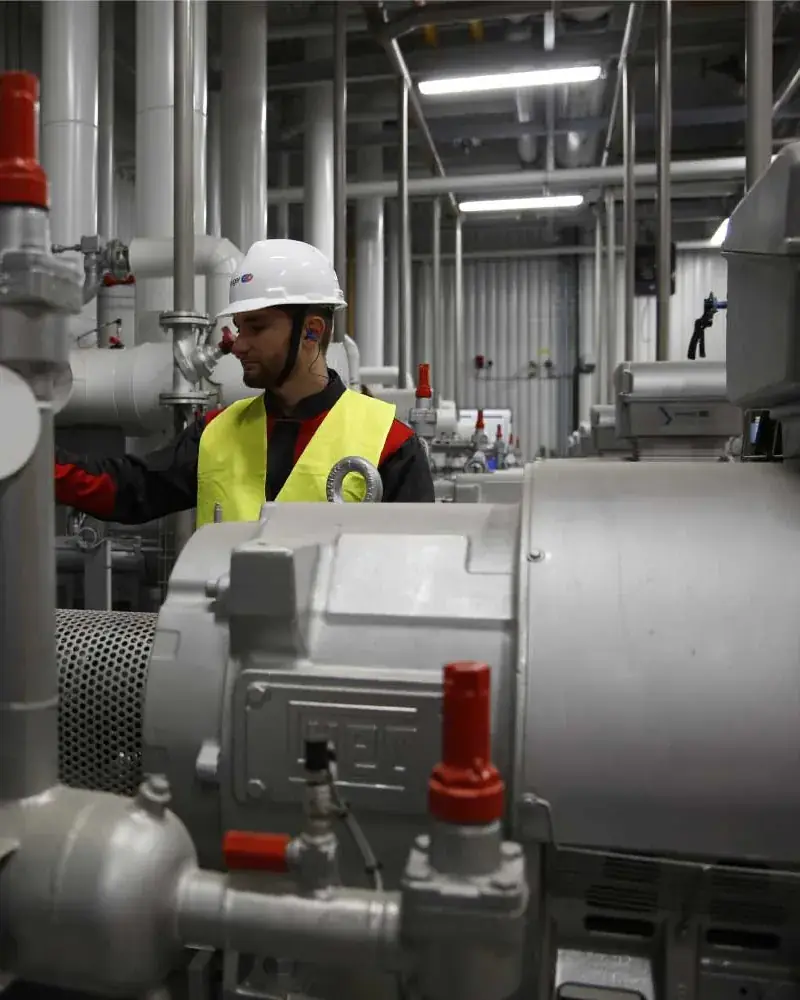
 Industrial refrigeration and air treatment
Move beyond endless Excel questionnaires that don't speak to your suppliers
| The Excel questionnaire | With Sapiologie | |
|---|---|---|
| 01Who we ask | All suppliers, all at once | Those that matter, identified in the LCA |
| 02What we ask them | A generic, often long questionnaire | The values your LCA expects |
| 03How they answer | A completed file sent back by email | A link, no account, on a typed form |
| 04Tracking | A spreadsheet kept on the side | Statuses, grouped reminder, automatic reminder |
| 05Where the data goes | Re-typed by hand into software | In the same tool as the LCA, compared side by side |
Getting started
Start with your LCA
- The foundationLCA and ecodesignThe extension starts from your LCAs: imported BOMs, modeling down to the elementary flow, compared ecodesign options.Explore LCA and ecodesign
- An entire familyParametric LCAOne analysis covers a product family. A supplier sheet in the library serves all the products that call on it.Explore parametric LCA
- Work togetherPurchasing, R&D and LCA expertsEveryone enters the workspace with their role and works on the same model, with no user limit.Explore collaboration
- PricingAn extension of your subscriptionSupplier LCA is added to your plan and priced after the demo, on your scope.See pricing
FAQ
Questions
& answers
Questions from LCA experts and purchasing before launching a data collection.
See the release notesNo. It answers questions about what it knows: its site's energy, a composition, a recycled content rate, an impact sheet if it has one. The calculation stays in your LCA.
No. It can provide impact values only, with no manufacturing tree or names of its own suppliers. You enter them as an impact sheet in your library.
You can query your whole database, but the LCA shows which ones weigh on the impact: that is where primary data changes the result. For the others, ecoinvent generic data represents the market average.
Yes, on the same questions: each has its own type and unit, and the answers are read side by side. For impact values, check that the method and the scope are the same before comparing them.
No. It receives an email in your name, enters a code received by email and answers online, without creating an account or a password. It can invite a colleague to the same answer.
Not yet. Today, you carry the supplier's data over into the library or into the tree. Calculating scope 3 directly from the answers is coming.