
R&D mode
Test your options without touching anyone else's work
Each engineer works on a copy of the organization: they change a material, supplier or process, compare the variant to the current product, then merge what is approved.
They trust us














Copy the organization
A copy of the organization for each option
R&D mode copies your products, process trees, their links and their models into a branch. You modify everything there, without touching production data.
variante-aluoutside the main organizationvariante-alu75% recycled aluminumled-rendementHigh-efficacy LEDpate-sans-plombLead-free solder pastevariante-pa6PA6 diffuser- Full copy: products, process trees, links and models, all freely editable.
- The whole organization or a single product: the copy follows the scope of the option.
- A permanent marker: a banner and a border remind you that you are outside the main branch.
- Each with their own branch: several engineers test their options in parallel, without disrupting their colleagues' work.
- R&D page at two scales: per product and at the organization scale.
- An attached alternative: an existing branch attaches to a product without being recreated.
Learn more
A twin of the organization to try your ecodesign options without risk
The branch takes over your products, your process trees and their links. You change a material, a supplier or a process there just as in the main organization, and you work freely. As long as the option is not merged, the main organization, where your colleagues work, receives none of your changes.
Build the option
Build the option as it will be made in the workshop
Changing material also means changing supplier, transport, process, energy, loss rate and end of life. Everything is modeled in the same option.
variante-aluoutside the main organization- In the process tree: a material, a supplier, a quantity, a loss rate or a model.
- Several changes at once: new alloy, reduced mass, fewer losses, in a single option.
- Duplicate by choosing the links: block by block, you keep or break the link to the original.
- Swap a component: by another one already modeled in your workspace.
- Missing foundational data: the operation is blocked, for example an economic allocation with no price.
- Ecodesign tab: on each product sheet, its options can be created, renamed, duplicated and archived.
Learn more
Expert tip: a new element rather than a modified one
For a design variant, create a new element and delete the old one rather than modifying the existing one: a new profile rather than a retouched profile. The comparison then covers two distinct objects, and each action in the tree can be undone if the option goes in the wrong direction.
The designer simulates, the expert keeps control of the building blocks
The product designer simulates a raw material change on their own, without asking the LCA expert: they draw on building blocks that the expert approved once. The technical data comes from the databases integrated into Sapiologie, including ecoinvent, Agribalyse and Base Empreinte.
Propagate to the range
One option on a building block serves the whole range
A shared component is modified once: all the products that call it are recalculated. One unit of work, a catalog-wide effect.
- “Used by” viewThe products that call a component, in one click, before deciding.
- One subset, one LCAThe option is worked at the component level and benefits all parent products.
- Dynamic link by defaultYou break it deliberately to isolate a variant.
- A link that followsAn emission factor, an energy mix or a material changed in the model carries through the whole portfolio.
Learn more
Project the company to another horizon
An alternative organization can represent the company at another horizon, with its options and its projected sales volumes and catalog. Its result is compared to that of the main organization, product by product or range by range, weighted by volumes. Sapiologie simulates changes in modeling, volumes and catalog; the tool does not provide prospective data.
Simulate the sales mix
A prospective simulation of the commercial mix measures what the following year would look like by selling more of some products and less of others. The same simulation, retrospective, shows what a different distribution of sales would have produced.
Compare
The option against the current product, indicator by indicator
The comparative analysis places the main organization's product and the branch's product side by side. The gain is shown as a percentage, an unfavorable result is shown as is.
You choose the indicators, the tool keeps them all on screen. Each bar is relative to the heaviest variant.
- 16 EF 3.1 indicators: or those of the chosen method; you choose which ones are displayed.
- Impact shifting: a climate gain that costs on another indicator remains visible.
- Equal service delivered: quantities adjust when lifetimes differ.
- Sensitive indicators: the most sensitive indicators and variables stand out.
- Successive versions: step by step, to attribute the gain to each decision.
| Condition | What the standard requires | In Sapiologie |
|---|---|---|
| Any comparison | ||
| The same service delivered | A common functional unit | Quantities adjusted when lifetimes differ |
| The same boundaries | Identical system boundaries | The scope set and verified by the LCA expert |
| The same method | One assessment method for all the compared products | EF 3.1 and its 16 indicators on each product |
| Traceable assumptions | Documented assumptions | Audit log and saved versions |
| Comparison intended for the public | ||
| The critical review | A committee of interested parties | The verifier works in your workspace, on the same data |
| Weighting | Prohibited | Indicators stay displayed, the single score never takes their place |
Compliance with standards ISO 14040:2006 and ISO 14044:2006 applies to the study. Sapiologie facilitates the critical review (ISO 14071:2024) without replacing it.
Learn more
What is a comparative LCA?
A comparative LCA is a life cycle assessment that evaluates two or more products on the same service delivered, with the same method and the same system boundaries, from resource extraction to end of life. It is used to choose between two designs, two suppliers or two materials. The ISO 14040:2006 and ISO 14044:2006 standards require a common functional unit: without one, the study compares products that do not deliver the same service.
What the law requires of a public comparison
Directive (EU) 2024/825 applies in the Member States from September 27, 2026. When a business compares products on their environmental characteristics to consumers, the comparison method, the products compared and their suppliers become material information. An internal comparison only needs an expert who reviews the assumptions and the system boundaries.
Why compare before locking in a choice
According to the European Commission, up to 80% of a product's environmental impact is determined at the design stage (communication COM(2020) 98 final, circular economy action plan). Setting two options against each other before locking in a material, a supplier or a process acts at the moment the impact is decided.
What can be compared?
A design variant against the existing product; the main organization's product against that of one or more branches; the same product with two sets of variables; several distribution or usage scenarios, each weighted by its actual share; two recycled content rates on the same component; a current range against a projected range.
Merge
Merge the approved option into the main branch
Before writing anything, Sapiologie shows the before and after of each page affected by the option. Once the review is done, the option joins the main branch.
- 01Review before writing: the before and after of each page, then a summary.
- 02Shared by-product flagged: you see what the merge touches elsewhere.
- 03Merge even if the product has changed: the main branch may have moved on in the meantime.
- 04Update from the main branch: the option picks up your colleagues' work.
- 05Atomic write: the merge goes through in full or not at all.
- 06Conflicts resolved without loss: no change gets lost along the way.
Who does what
The engineer builds the option, the expert vouches for it
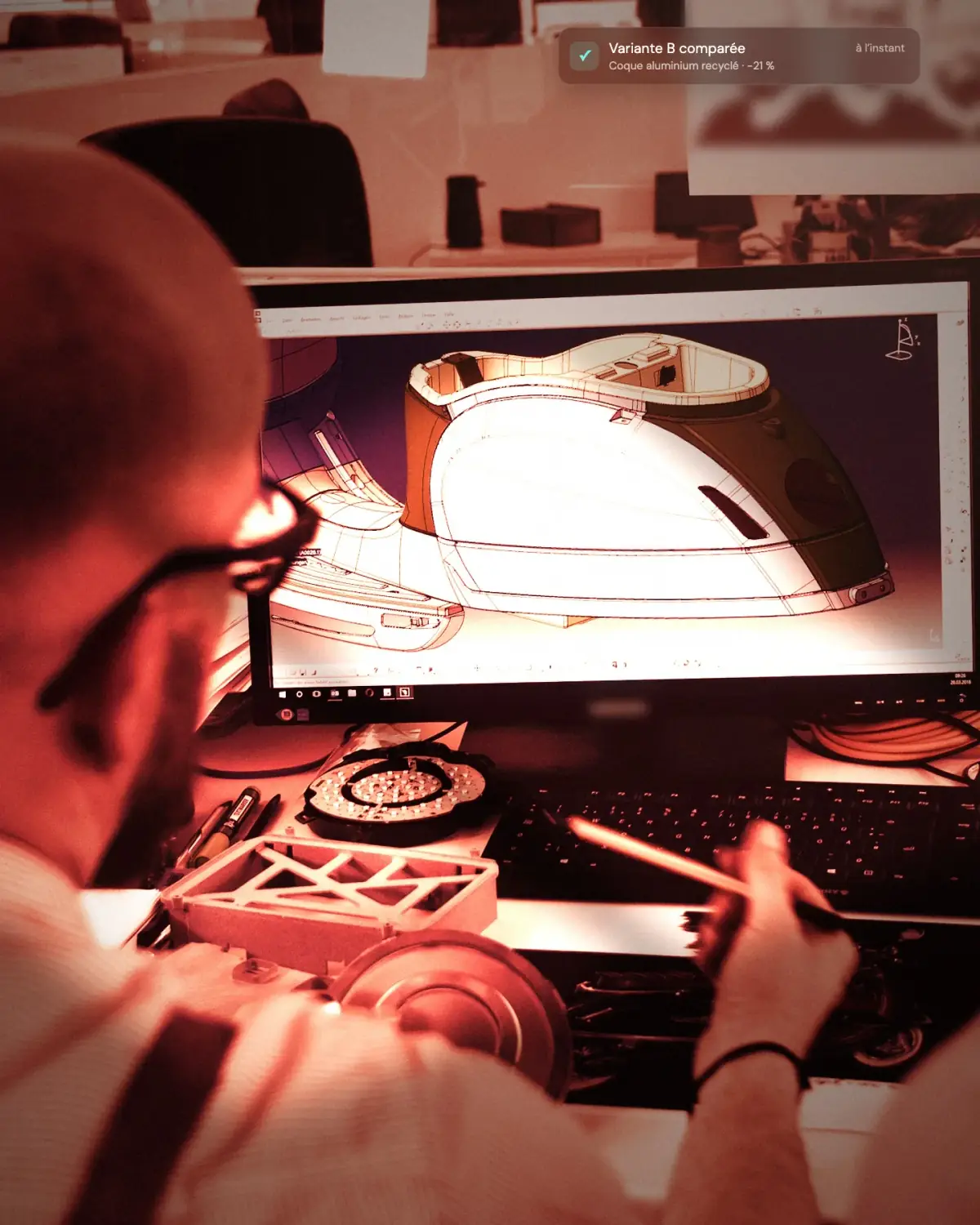
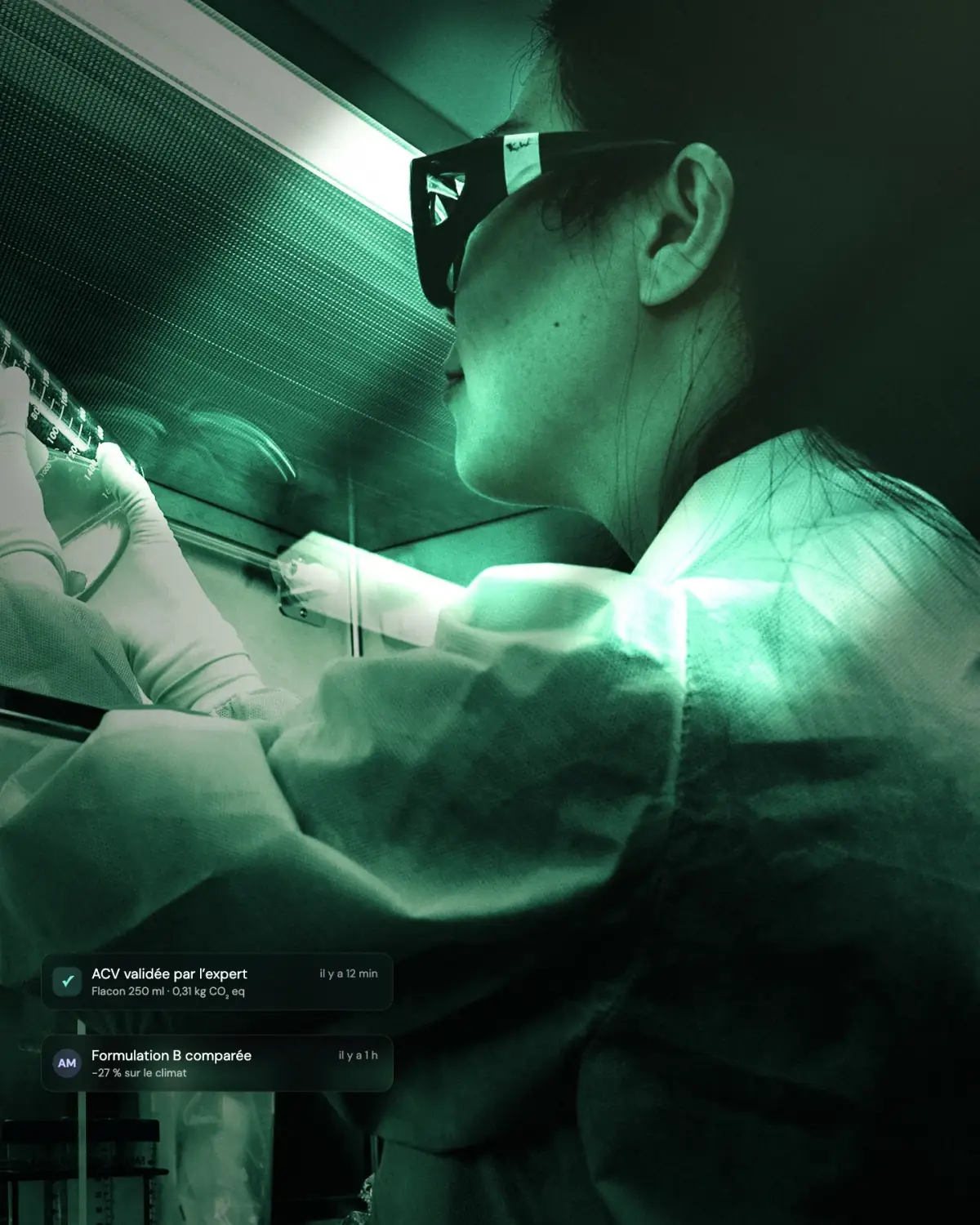
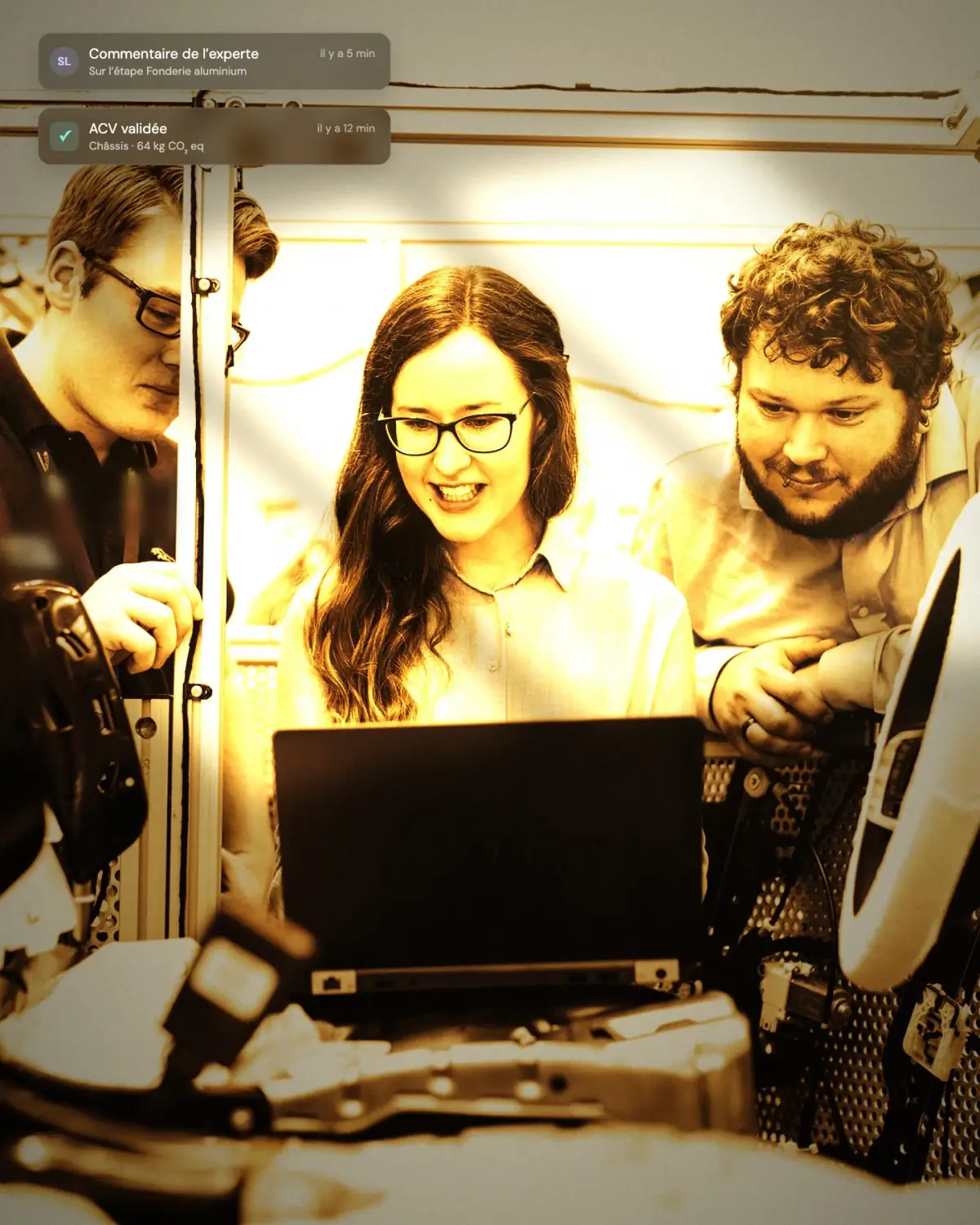
R&D mode multiplies the LCA expert without replacing them: the expert approves the building blocks once, and teams run their simulations on those blocks.
R&D engineer
- Builds the option in materials, processes, energy, losses and BOMs
- Simulates a raw material change on their own
- Sees the effect of their choices on impacts, as they make them
LCA expert
- Sets the skeleton of the process tree and its links
- Approves the base building blocks once
- Keeps control of the assumptions and their justification
Partner firm
- Models for the company, then helps it bring the work in-house
- Leaves its models in the company's workspace
- Supports the critical review
Learn more
What an Excel file does not keep from one variant to the next
Many teams compare their variants in Excel files or in-house calculators. An Excel mockup becomes obsolete at the slightest change, and mixing real and hypothetical references clutters the workspace. R&D mode keeps each option in its own branch until the merge. Sapiologie publishes the software: we do not do your LCAs for you, we make you autonomous on the tool.
“We were looking for a tool where LCA experts and product designers with no LCA training could easily work together. The product designers chose Sapiologie because it is intuitive, the LCA experts for its power and flexibility.”
 Bérenger TholletEcodesign R&T Engineer, Radiall
Prospective LCA
Assess a variant as it will be at a future horizon, by projecting the foreground data and the database.
Today, R&D mode already compares your variants, the electricity mix is chosen country by country, each project keeps the baseline version it needs, and an alternative organization is projected with its volumes and its catalog.
Getting started
A first option in five steps
R&D mode starts from an already modeled product. The expert sets the building blocks, the engineer opens their branch.
- 01Model the current productThe process tree, reviewed by the expert.
- 02Open a branchThe whole organization or a single product.
- 03Build the optionMaterial, supplier, process, in the same option.
- 04CompareThe option against the current product, on all indicators.
- 05MergeAfter the review, what is approved joins the main branch.
Test an option on one of your products
In the demo, we open a branch, set an option on a shared building block and compare it to the current product, on a typical case or on one of your products under a confidentiality agreement.
No. The branch is a copy of the organization. Your colleagues keep working in the main organization, which receives your changes only at the merge, after the review.
Yes. Everyone works on their own branch, with no effect on the work of others. An option is updated from the main branch to pick up what colleagues have changed in the meantime.
Yes. The comparative analysis adjusts quantities so that both variants deliver the same service when their lifetimes differ: to cover ten years with a product that lasts six, you need one and two thirds. The objection is handled in the calculation, without redoing the model.
No. A version upgrade of a database never automatically modifies an existing analysis. Calculations are rerun on request, and you compare the before and after without losing the original result.
Yes. LCA versions are saved, every change is logged in the audit log, and the verifier enters your workspace with their role. Sapiologie facilitates the critical review (ISO 14071:2024) without replacing it.